
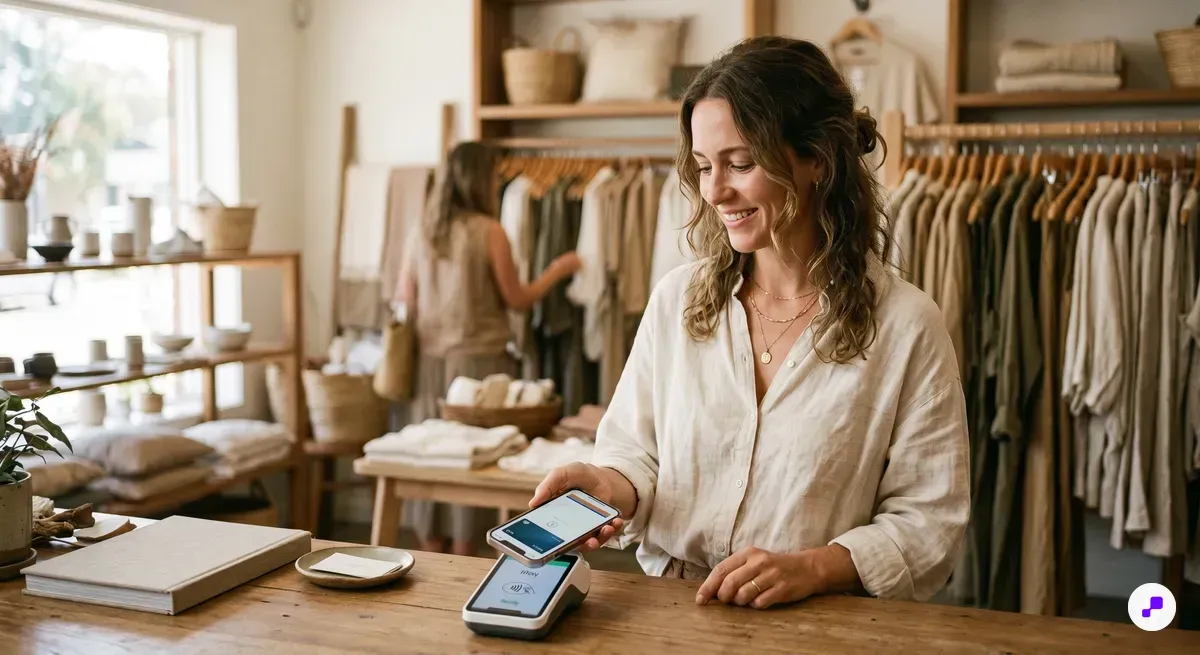
Store-branded gift cards add as wallet passes (with barcode), while prepaid Visa/Mastercard gift cards add as payment cards through Apple Pay.
Not every gift card works with Apple Wallet the same way. Understanding the difference saves you time and frustration.
There are three categories. First, store-branded gift cards from retailers like Starbucks, Target, Walmart, and Sephora — these often have direct Apple Wallet integration through their own apps. You tap "Add to Apple Wallet" and the card appears as a pass with your balance, barcode, and store branding.
Second, prepaid Visa, Mastercard, and Amex gift cards. These work differently — they go into Apple Pay as a payment card, not as a Wallet pass. You add them through the Wallet app's card-adding flow, the same way you'd add a debit card.
Third, smaller retailer or local business gift cards. These typically don't have native Apple Wallet support unless the merchant uses a platform that generates wallet passes. Some merchants use digital punch cards or wallet-based loyalty systems that include gift card functionality built in.
The good news: iOS updates have steadily expanded support. As of 2026, most major retailers support wallet passes, and any NFC-enabled prepaid card can be added to Apple Pay.
Check your gift card issuer's app first — most major retailers have an "Add to Apple Wallet" button built into their mobile app.
Merchants who issue wallet-ready gift cards see 40-60% higher redemption rates because the card stays visible on the customer's phone.
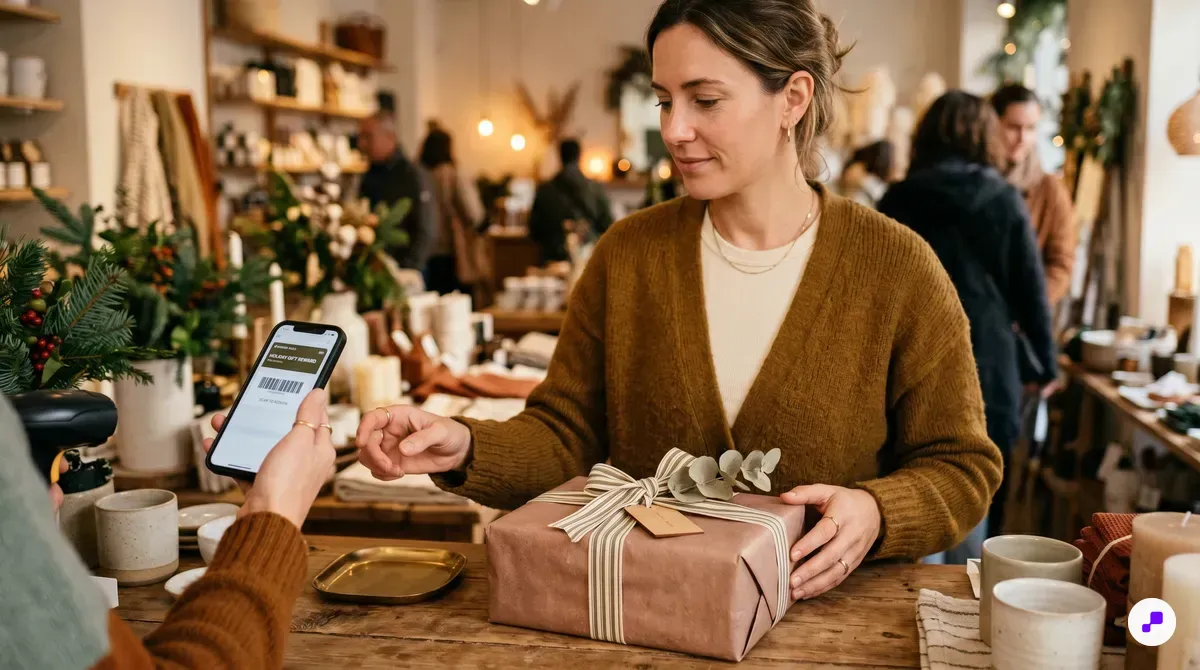
Most major retailer apps have a built-in "Add to Apple Wallet" button that creates a scannable pass with your gift card balance.
This is the easiest method and works with most major retailers — Starbucks, Target, Dunkin', Sephora, Walgreens, and hundreds more.
Step 1: Download the retailer's app from the App Store. Step 2: Create an account or sign in. Step 3: Navigate to "Gift Cards" or "Wallet" within the app. Step 4: Enter your gift card number and PIN (usually found on the back of physical cards or in the email for digital cards). Step 5: Look for the "Add to Apple Wallet" button — it's a black button with the Apple Wallet icon. Step 6: Tap it, review the pass preview, and tap "Add" in the top right corner.
Once added, the gift card appears in your Wallet app as a pass. You can see your current balance, the store's barcode for scanning at checkout, and any expiration date. Some retailers even send push notifications when your balance changes or when you're near a store location.
If the retailer's app doesn't have an "Add to Apple Wallet" button, check their website. Some retailers offer wallet pass downloads directly from the gift card balance check page. You can also look for a QR code on any physical card packaging — scanning it often triggers the wallet-add flow.
This method creates a wallet pass, not a payment card. At checkout, you open the pass in Apple Wallet and let the cashier scan the barcode — you don't tap to pay with it.
After adding, enable notifications for the pass so you get alerts when your balance changes or when you're near the store.
Prepaid Visa/Mastercard gift cards add to Apple Pay as payment cards — tap to pay anywhere, not just at one store.
Prepaid gift cards from Visa, Mastercard, and American Express work as payment cards in Apple Pay. This means you can tap to pay anywhere Apple Pay is accepted — not just at one retailer.
Step 1: Open the Wallet app on your iPhone. Step 2: Tap the "+" button in the top right corner. Step 3: Select "Debit or Credit Card." Step 4: Position the gift card in front of your camera to scan the card number, or tap "Enter Card Details Manually." Step 5: Enter the expiration date and CVV (found on the back of the card). Step 6: Agree to the terms and wait for verification.
Important: Not all prepaid gift cards can be added to Apple Pay. The card must be NFC-enabled and issued by a bank that supports Apple Pay tokenization. Cards purchased before 2023 may not work. Mastercard gift cards issued after March 2025 generally support Apple Pay. Visa gift cards vary by issuer.
If verification fails, you may need to call the number on the back of the card to register it first. Some issuers require you to set a ZIP code associated with the card before it works with Apple Pay. This registration step is free and takes about two minutes.
Once added, use the gift card like any payment card — double-click the side button, authenticate with Face ID, and tap at any contactless terminal. The card balance decreases with each purchase. When the balance hits zero, Apple Wallet will let you remove the card.
If your prepaid card fails to add, call the issuer's number on the back and register a ZIP code to the card — this is the most common fix.
Third-party apps like Pass2U create Apple Wallet passes for gift cards that don't have native support, though balances won't auto-update.
When a gift card doesn't have native Apple Wallet support — common with local businesses, independent shops, and smaller chains — third-party apps fill the gap.
Pass2U Wallet is the most popular option. It's free with a one-time $2.99 upgrade to remove ads. Here's how it works: Download Pass2U from the App Store. Tap "Create Pass" and select a template (Gift Card, Store Card, or Coupon). Scan or enter your gift card barcode/number. Add the card name, balance, and any notes. Tap "Add to Apple Wallet."
The pass appears in your Wallet app just like a native retailer pass. You can scan the barcode at checkout. The limitation: the balance won't update automatically — you'll need to edit it manually after each purchase.
Stocard is another option that works similarly but focuses on aggregating all your loyalty and gift cards in one app. It stores the barcode and card details, and while it doesn't always push cards to Apple Wallet, it provides quick access at checkout.
For merchants reading this: the reason customers resort to these workarounds is that your gift cards aren't wallet-ready. Offering wallet-native loyalty and gift cards removes friction and increases redemption. Platforms that generate Apple Wallet passes let any business — regardless of size — deliver a seamless digital gift card experience.
Use Pass2U Wallet to digitize any physical gift card — it takes under a minute and keeps the barcode accessible from your lock screen.
Balance visibility depends on how the card was added — retailer passes may update automatically, while prepaid cards require checking the issuer's website.
Checking your balance depends on how the gift card was added.
For store gift cards added as wallet passes: Open the Wallet app, tap the gift card pass, and the balance is displayed on the front. If the retailer updates the pass dynamically, this balance reflects your latest transactions. If not, the balance shown is what was set when you added the card.
For prepaid Visa/Mastercard cards added to Apple Pay: Apple doesn't display the remaining balance of prepaid cards. You need to check through the card issuer's website or app. Most prepaid gift cards include a URL on the back (like mygiftcardbalance.com) where you enter the card number and PIN to see your balance.
For cards added via Pass2U: The balance doesn't update automatically. After each purchase, open the pass in Apple Wallet, tap the info icon, and update the balance manually. It's an extra step, but it keeps your records accurate.
Pro tip: If you use gift cards frequently, set a reminder to check balances monthly. Small remaining balances add up — the average American has $186 in unused gift cards at any given time. Apple Wallet makes it easier to spend them down because you see the cards every time you open your phone to pay.
For merchants who want to offer a better experience, wallet passes with dynamic balance updates eliminate this friction entirely. When a customer pays with a loyalty-integrated gift card, the pass updates in real time — no manual checking needed.
Bookmark your prepaid gift card's balance-check URL in Safari for quick access, since Apple Wallet doesn't show prepaid card balances.
Most "card not supported" errors are fixed by registering the prepaid card on the issuer's website or updating the retailer's app.
Here are the most common issues and fixes when a gift card refuses to add to Apple Wallet.
"Card Not Supported" error for prepaid cards: The issuing bank may not support Apple Pay tokenization. Try registering the card on the issuer's website first — look for an "activate" or "register" link. If it still fails, the card likely doesn't support contactless payments.
Retailer app missing the "Add to Wallet" button: Update the app to the latest version. Some retailers only added Wallet support in recent updates. If still missing, check the retailer's website — some offer wallet pass downloads from the online gift card management page.
iOS version issues: Apple Wallet pass features require iOS 15 or later. Older iPhones (6s and earlier) may have limited functionality. Update to the latest iOS version before troubleshooting further.
Card already added error: If you see "this card is already in Wallet," check all your passes — the card might be in a different section or under a slightly different name. Swipe through your passes or use the search function.
Barcode won't scan after adding: Some passes use QR codes that require screen brightness at maximum. Also ensure the cashier's scanner is set to read the correct barcode format (QR vs. Code 128 vs. PDF417).
For persistent issues, Apple's support page on wallet passes covers additional edge cases. You can also contact the gift card issuer directly — they can confirm whether their cards support Apple Wallet integration.
Before calling support, try these three things: update iOS, update the retailer app, and register the card on the issuer's website.
Merchants who offer wallet-ready digital gift cards see 40-60% higher redemption rates and gain a push notification channel to drive repeat visits.
If you run a Shopify store or retail business, every gift card that goes unredeemed is lost revenue and a missed customer touchpoint. Digital gift cards delivered through Apple and Google Wallet solve both problems.
Wallet-based gift cards get redeemed at higher rates — 40-60% more than physical cards — because they're always visible on the customer's phone. There's no drawer to forget them in, no email to lose. The card is right there, next to their credit cards, every single day.
The setup is straightforward on Shopify. Apps like JeriCommerce generate wallet passes that include the gift card barcode, balance, and your brand design. When a customer purchases a digital gift card on your store, they receive a link to add it directly to Apple Wallet. The pass updates dynamically — balance changes after each purchase appear automatically.
Beyond redemption rates, wallet gift cards create ongoing marketing opportunities. You can send push notifications to gift card holders: "Your $25 balance is waiting — new arrivals just dropped." These notifications have 85-95% delivery rates, compared to 15-20% for email. That's the difference between a gift card that sits idle and one that drives a store visit.
Integrating gift cards with your loyalty program multiplies the value. When a gift card recipient earns points on their redemption purchase, you've turned a one-time gifted transaction into the start of a loyalty relationship. The gift card brought them in — the loyalty program brings them back.
For a step-by-step Shopify setup, see our guide on creating wallet loyalty cards on Shopify.
Set up digital gift card passes on your Shopify store this week — the enrollment friction is near zero and the revenue recovery from higher redemption rates pays for itself immediately.
Shopify's gift card product type combined with wallet pass delivery creates a seamless experience: customer buys online, recipient adds to wallet, balance updates in real time across all sales channels.
Wallet passes turn gift cards from a static balance into a dynamic marketing channel — push notifications, real-time balance updates, and automatic store-visit reminders.
Adding gift cards to Apple Wallet takes under a minute with any of the three methods — retailer app, Apple Pay for prepaid cards, or third-party apps for unsupported cards. The key benefit is visibility: a gift card in your Wallet app gets used because you see it every time you pay for something. For merchants, offering wallet-ready gift cards is the single most effective way to increase redemption rates and turn gift recipients into repeat customers.
JeriCommerce helps Shopify merchants deliver digital gift cards and loyalty cards through Apple and Google Wallet — real-time balance updates, push notifications, and seamless POS integration, all without asking customers to download an app.
Deliver digital gift cards through Apple and Google Wallet. real-time balances, push notifications, and smooth Shopify integration.
Install Free on Shopify